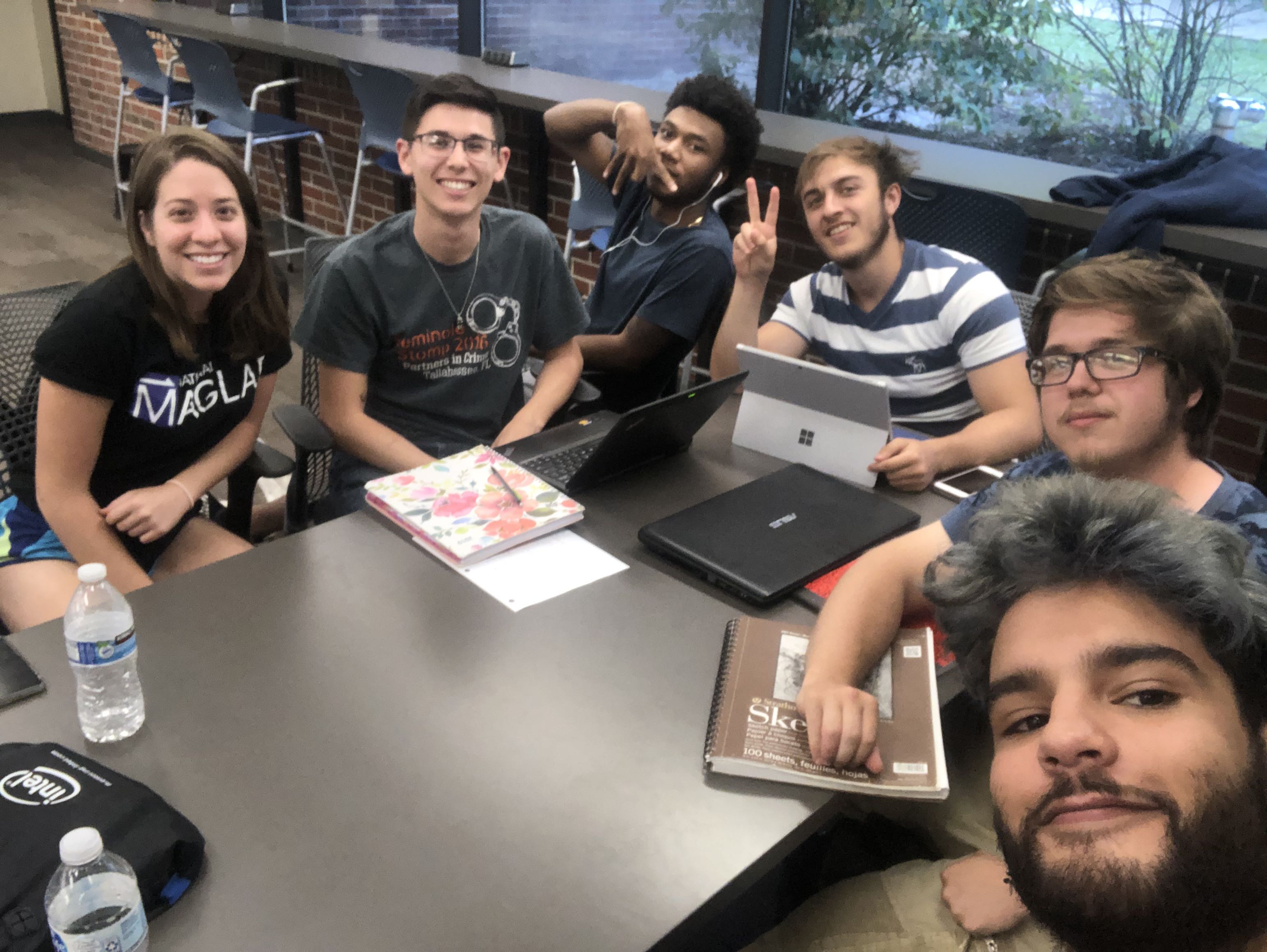
Time for a brand new blog post, fellas, so strap in. This week, I’ve been working again with our favorite application building device for fourth graders, AppInventor. However, this time I was not alone, as I was/am on a team with five other individuals to make an app of our choosing. We decided on a shooting gallery type game involving political members of Venezuela with the title being ‘Political Punisher’. After talking over some basics about what we wanted the app to be, we all agreed to meet the next day to discuss the scope of our project and some of the smaller features and about how we would go about dividing up the work. So, next day rolls around, and we all meet up and start dividing up the work. Obligatory selfie of us all together:
Me, on the right with the glasses
Since I had the most experience with programming (number 5 gang!) I was tasked with developing a slingshot system so we could ‘throw’ rocks at the targets in the game. We agreed to use a shared gmail account so that we could all login to AppInventor and work at our own leisure. It was also decided that we would upload the assets we needed into the google drive associated with that gmail, in order to make our lives a little simpler. With that, I started work on a title screen… the first of my bumps in the road. It turns out that one of our group members started working on a demo in the project file, but the demo was set to the opening screen of the app, and the only way to change it was to copy all the blocks and assets to another screen and then delete that screen, so in order to save time, I ended up creating a another project file so that I wouldn’t accidentally delete any data or blocks. At least with that, we could port over any blocks that were developed in the original project file to the new one.
Finally I had a title screen, with working buttons mind you! It was perfectly lined up in the AppInventor design window, it looked beautiful… then I uploaded the project on to my Samsung device and found it to be… a little off:
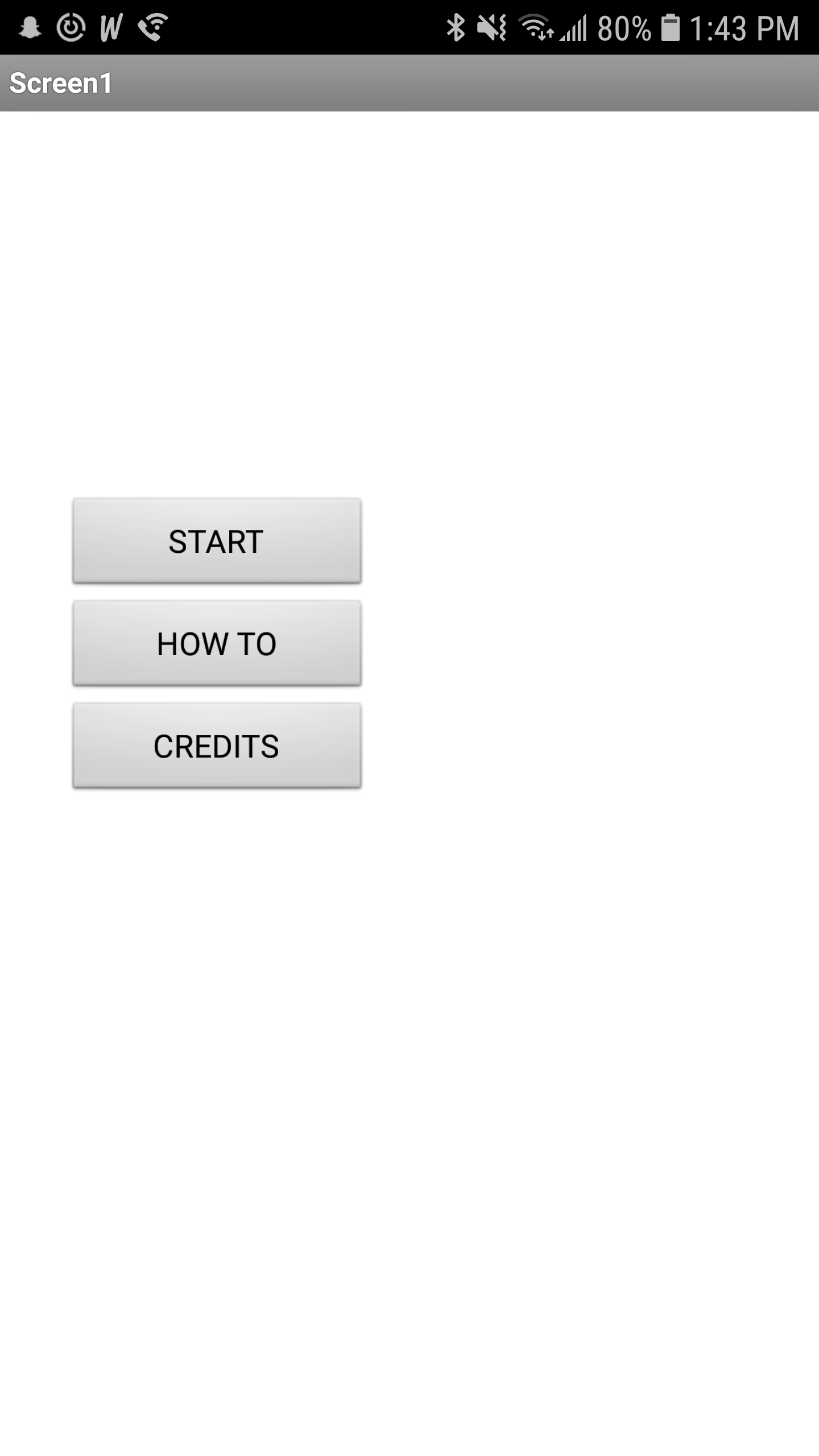
Oh well, at least the buttons work!
Next I added the a back button feature to each of the screens so that you could go back to title without the need for a button on the screen, for testing purposes. Next, it was time for the main event, the slingshot implementation. To start, I made a small sprite for the rock in a free sprite editor web application I found online (for free). To implement the slingshot, I repurposed some code I found from an AngryBirds tutorial online, but I had to change a bit of the code in order for it to match up with the orientation of the screen, placement of the slingshot, and angle of the shot, considering you have to shoot the rock in the air as opposed to shooting a bird across a screen. I haven’t been able to implement gravity yet, but the slingshot is completely up and running, some screen shots below:
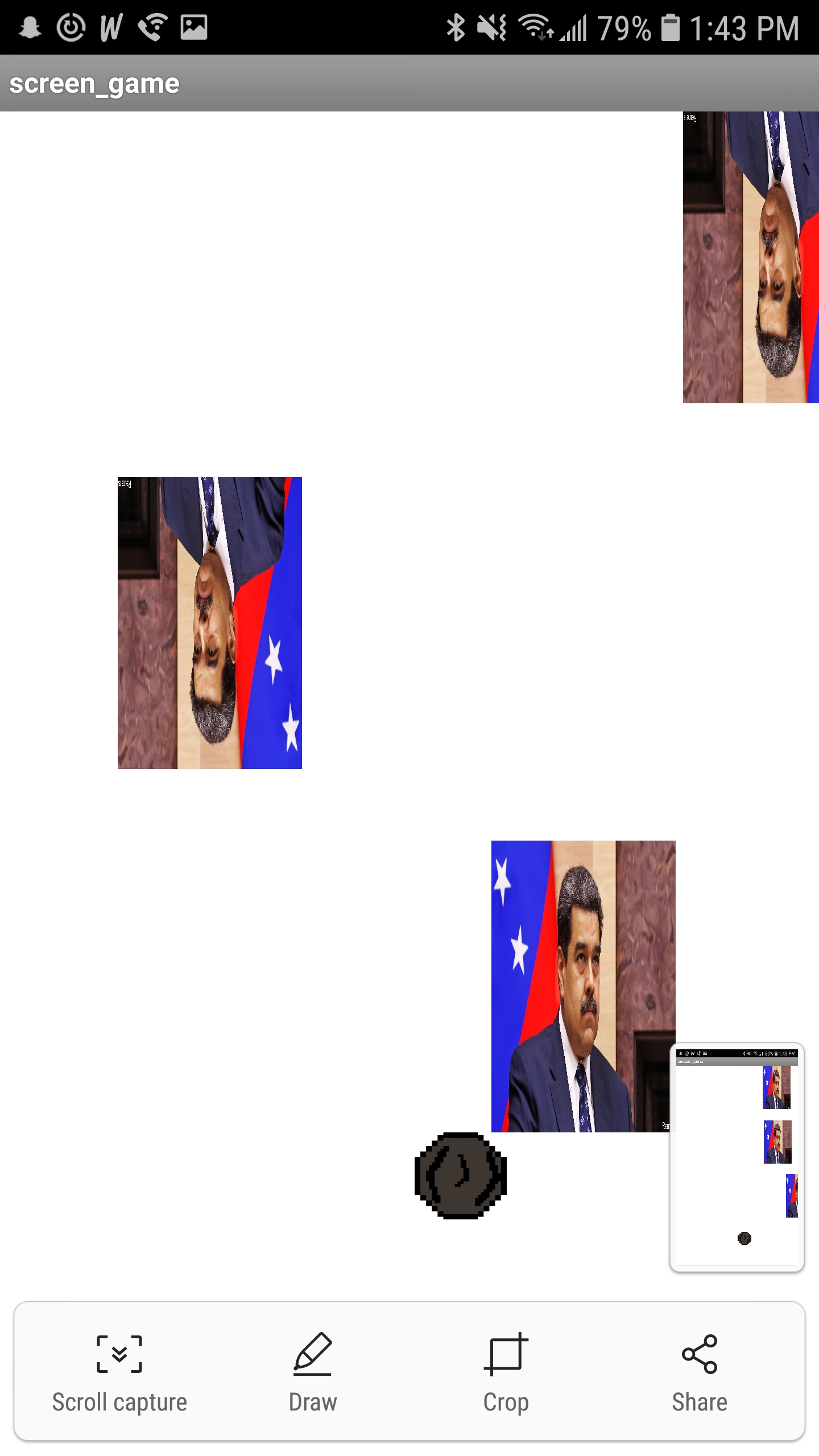
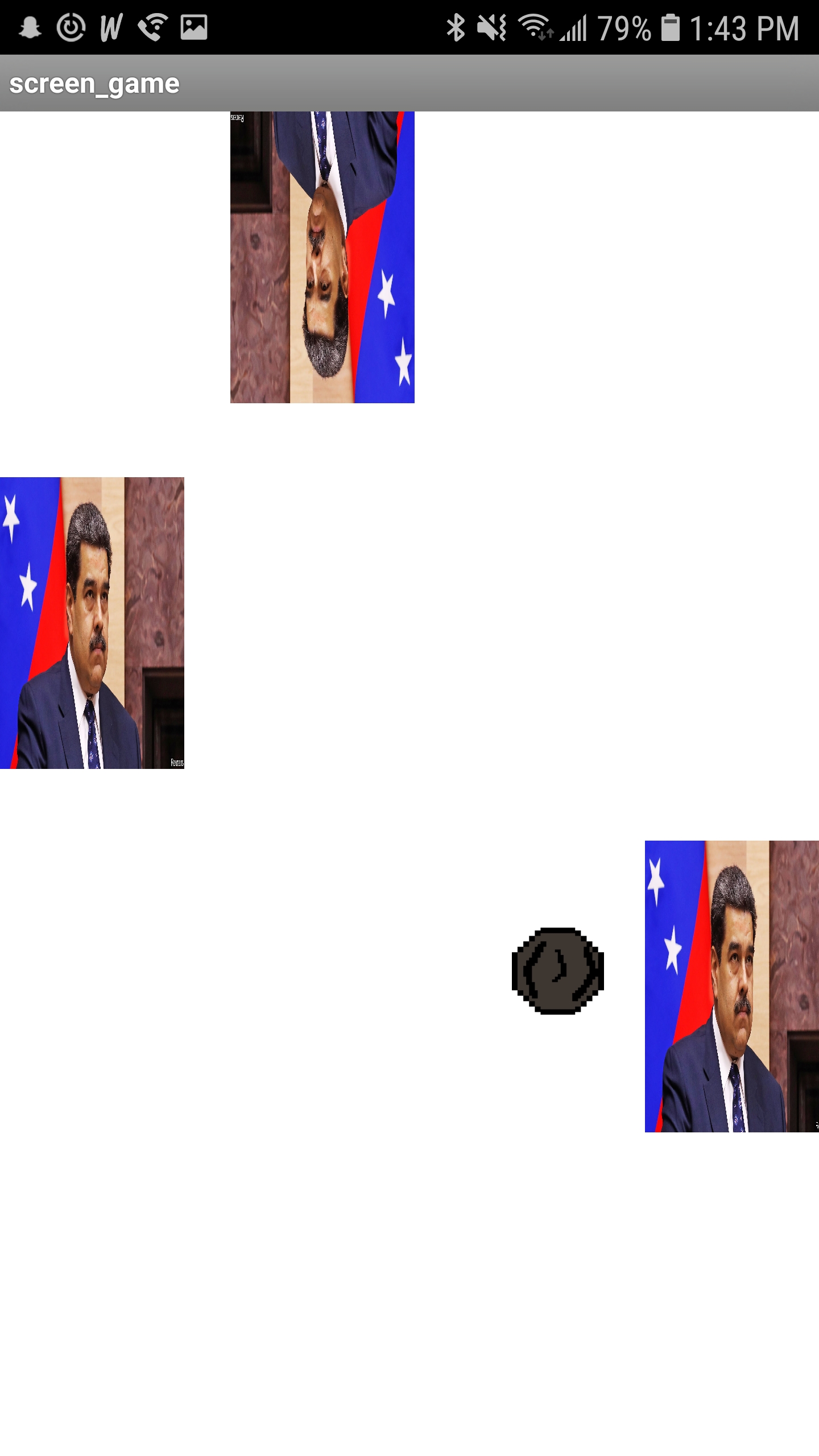
I ended up getting the slingshot finished on Tuesday morning, to which we met up again on that day and discussed what we wanted to present for the App Test day, and implemented what we could during the time. Before the meeting, I added edge collision so the the rock would respawn after hitting the edge of the screen. Using the block as a base, I ended up helping one of our teammates with enemy collision as well, which is up and running as of now!
Well, I think that about wraps it up for the blog post for this week. As always, stay golden Ponyboy.
Cheers, Taylor Lundy

 Cowboy Beblog